Seedance has become one of the most popular AI video models for short-form content, especially UGC-style ads and story clips. It handles realistic people, strong motion and multi-shot scenes well, and it makes sound in the same pass as the picture.
But Seedance has its own way of reading prompts. It responds best to something closer to a shot brief than a paragraph of nice description: what the camera does, who moves, how, when, and what we hear.
This guide covers how to write Seedance 2.5 prompts, from the basic structure to timed beats, references and audio, with full examples you can copy.
What Seedance 2.5 can do
Seedance 2.5 is ByteDance's video model, released on July 31, 2026. It's available in ByteDance's own apps, through the BytePlus API and on many third-party AI video platforms. What matters for prompting:
- Up to 30 seconds in one generation, double the 15 seconds of Seedance 2.0.
- Extensions can continue a video for several minutes while keeping characters and scenes consistent.
- Audio and video are made together, so dialogue and sound effects stay in sync.
- Lots of references in one go: up to 30 images, 10 video clips and 10 audio clips.
- Multi-shot storytelling, where one generation can hold several connected shots with a beginning, middle and end.
ByteDance also says Seedance 2.5 adds fewer unwanted subtitles and background music than before, but it still helps to ask for what you want, as you'll see below.
The five layers of a Seedance prompt
A good Seedance prompt covers five things. If you skip one, the model fills it in with its own default, which may not be what you want.
| Layer | What to write | Example |
|---|---|---|
| Shot | Shot size and camera move | Medium shot, slow push-in |
| Subject | Who or what, with clear details | A woman in her 30s, short black hair, oversized cream sweater |
| Action | One main movement | She opens a parcel and lifts out a ceramic mug |
| Light | Light source and mood | Soft window light from the left, warm afternoon |
| Audio | What we hear | Cardboard tearing, a quiet gasp, room tone |
Put together:
Medium shot, slow push-in. A woman in her 30s with short black hair and an oversized cream sweater sits at a wooden kitchen table, tears open a parcel and lifts out a speckled ceramic mug, turning it in her hands with a smile. Soft window light from the left, warm afternoon tones, realistic phone video look. Audio: cardboard tearing, a quiet "oh, it's perfect", kitchen room tone. No subtitles. No background music.
Name the shot first
Start your prompt with the shot and camera move. When the camera comes first, Seedance knows the camera is responsible for that motion. When you leave it out, the model tends to animate the subject more instead, and you can get strange, restless movement.
Useful camera words for Seedance:
- Static or locked-off: the camera doesn't move, all motion comes from the subject
- Push-in or dolly in, and pull-back or dolly out
- Orbit or arc around the subject
- Crane or boom up and down
- Handheld for a natural, phone-filmed feel
- Tracking shot to follow someone moving
Keep camera motion and subject motion in separate sentences. "Slow push-in. She turns toward the window." is clearer than mixing both into one long sentence.
One main action per shot
Seedance does best with one clear action arc in each shot. Two competing actions in the same moment, like "she pours coffee while answering the door and waving at the dog", usually means one of them gets dropped or both look rushed.
Describe the action with strong physical verbs and, where it matters, the body part: "she tilts her head", "he slams the laptop shut", "she taps the screen twice". Lead with the subject and its motion, then add the setting.
Keep it focused: about 80 to 250 words
Detail helps, but only up to a point. After a few hundred words, Seedance starts dropping parts of the prompt. For most clips, around 80 to 250 words is the sweet spot.
If your prompt is getting long, tighten it before adding more:
- Cut adjectives that don't change the picture ("beautiful", "amazing", "stunning").
- Merge repeated details.
- Move the look and the face into reference images instead of long text descriptions.
Timed beats for longer clips
For anything longer than one simple moment, split the prompt into time ranges. Seedance follows timestamps well, and they let you control the action, camera and pacing of each part.
[0-3s] Close-up, static. An alarm clock on a bedside table reads 7:58. A hand slaps it off.
[3-7s] Medium shot, handheld. A young man jumps out of bed, pulls on a hoodie and grabs his keys from the floor.
[7-12s] Tracking shot. He runs down a city street, dodging people, coffee in one hand.
[12-15s] Wide shot, static. He bursts through an office door just as the clock on the wall hits 8:00 and gives a relieved thumbs up.
Audio: alarm beeping, fast footsteps, street noise, a door swinging open. No subtitles. No background music.
Rules for timed beats:
- Keep the time ranges continuous, with no gaps between them.
- About one-second precision is plenty. Don't try to time tiny movements several times a second.
- One camera move and one main action in each beat.
- Repeat the person's key details (the hoodie, the hair) so they stay consistent across beats.
Match the length to the number of beats:
| Clip length | What fits |
|---|---|
| 4 to 5 seconds | One moment, one action |
| 8 to 10 seconds | A tiny story: setup and payoff |
| 15 seconds | A short social clip with 3 or 4 beats |
| 20 to 30 seconds | A full mini story with several shots |
Tag your references with @
Seedance lets you attach images, video clips and audio, then refer to them by name in the prompt. ByteDance's own examples write them like "@Image 1" and "@Video 1" (some apps write "@Image1" without the space, so use whatever your app shows).
The key is to give each reference a clear role:
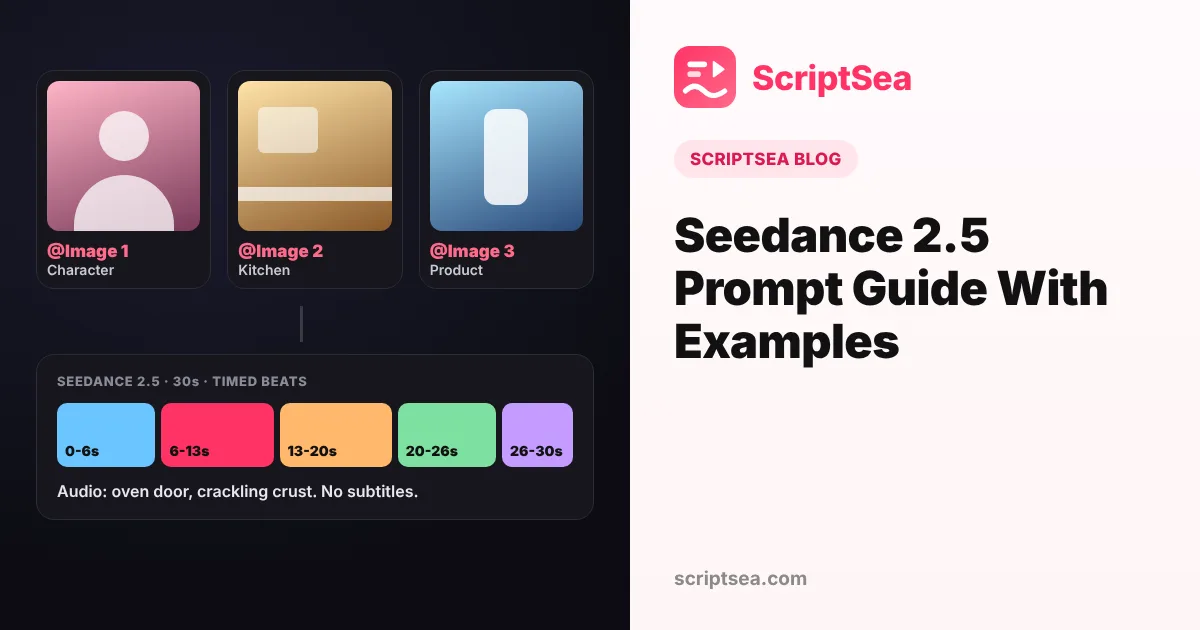
@Image 1 is the main character. @Image 2 is the kitchen. @Image 3 is the product.
Medium shot, static. The woman from @Image 1 stands in the kitchen from @Image 2 and holds up the bottle from @Image 3, then pours it into a glass.
A few tips:
- Let the image carry the look. If you attach a character image, don't re-describe their face in detail. Describe what they do.
- Use a video reference for movement, like a dance, a camera move or the pacing of an ad you want to match.
- Use audio references for a voice or a sound you want repeated.
For a deeper look at keeping one face across many clips, read why your AI characters keep changing faces.
Editing and extending a clip
Two prompt shapes from ByteDance's examples are worth saving.
To change one thing in an existing video, say what stays and what changes:
Keep the characters, actions and visual style unchanged. Change only the camera movement to a slow orbit.
To continue a video, point at what it should follow:
Extend the video. Continue from the visuals and subjects in @Video 1. The woman walks out of the cafe and into the rain.
How to direct audio in Seedance
Since Seedance makes the sound with the video, give it a clear audio line:
- Dialogue in quotes, after the speaker, with the tone: The man says quietly, "I didn't think you'd come."
- Keep lines short. People speak about 2 to 3 words per second, so 10 seconds fits roughly 20 to 25 words.
- List the sounds: "Audio: rain on the window, a kettle clicking off, distant traffic."
- Put your "no" instructions at the end, where they work best: "No subtitles. No background music, only ambient and action sounds."
If you'll add a voiceover later, say "no dialogue" so people in the shot don't start talking.
3 Seedance prompt examples you can copy
1. UGC product ad (15 seconds, vertical)
@Image 1 is the creator. @Image 2 is the product.
[0-4s] Close-up, handheld. The woman from @Image 1 holds the serum from @Image 2 up to the camera and says, "Okay, I need to talk about this."
[4-10s] Medium close-up, static. She presses two drops onto her fingertips and pats them onto her cheek, then says, "It sinks in fast, and my skin feels calm all day."
[10-15s] Close-up, slow push-in. She smiles and taps the bottle. "Honestly, I'm on my second one."
Bright bathroom, soft daylight from a window, realistic phone video look. Audio: her voice, faint bathroom echo. No subtitles. No background music.
2. Cinematic moment (8 seconds)
Low angle, slow crane up. A lone horse rider stops at the top of a grassy hill as the wind pushes the long grass in waves. The rider pulls the reins, the horse rears slightly, then settles and looks out over a valley at sunset. Golden backlight, long shadows, film look. Audio: wind, the horse snorting, hooves on soft ground. No dialogue. No background music.
3. 30-second story
[0-6s] Wide shot, static. A small bakery at 5am, lights off. A woman in a flour-dusted apron unlocks the door and flicks on the lights.
[6-13s] Medium shot, handheld. She kneads dough on a wooden counter, flour puffing into the air, then slides trays into a glowing oven.
[13-20s] Close-up, slow push-in. Golden loaves come out of the oven. She breathes in the steam and smiles.
[20-26s] Medium shot, static. She flips the sign on the door from Closed to Open as the first customer, an old man in a flat cap, waves through the glass.
[26-30s] Wide shot, slow pull-back. The bakery glows warm against the blue morning street.
Warm, cosy, natural film look. Audio: keys, the oven door, crackling crust, a door bell at the end. No subtitles. No background music.
Common Seedance prompt mistakes
- No shot or camera line, so the model invents restless movement.
- Two competing actions in the same shot.
- Overlong prompts where details get dropped.
- Gaps between time ranges, or beats that don't add up to the clip length.
- References without roles, so the model doesn't know which image is the person and which is the place.
- Leaving audio to chance, then getting random music or captions.
Write Seedance prompts in seconds
Our free Seedance Prompt Generator writes Seedance prompts in this format: shot first, labelled timed beats, references with roles and a clean audio line, in the length you pick. Working from a full script? Our free Script to AI Video Prompts tool splits it into scenes with a prompt for each.
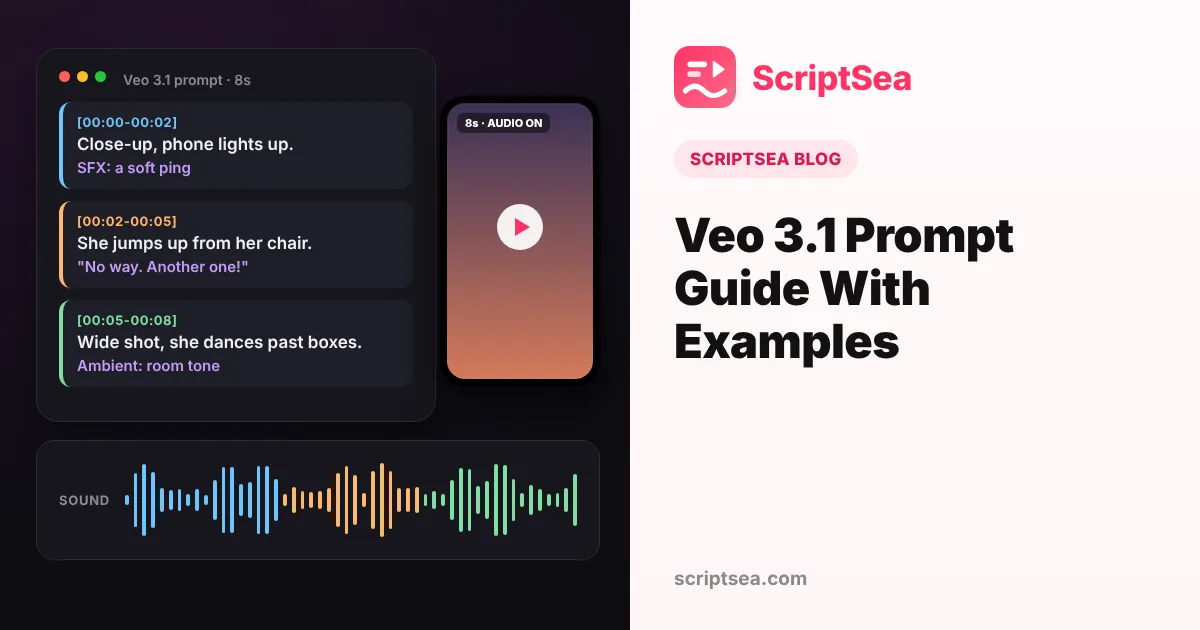
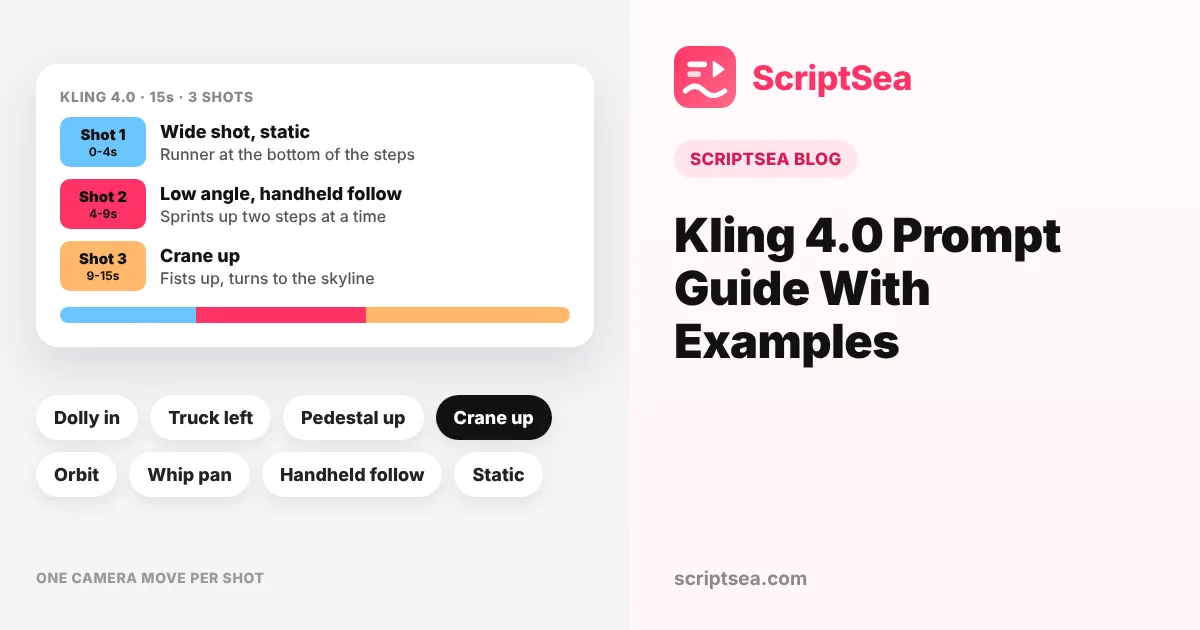
For the bigger picture, see how to write AI video prompts, or compare with our Veo 3.1 and Kling prompt guides.
Try ScriptSea free
ScriptSea turns your idea into a full script and scene-by-scene prompts for Seedance, Kling, Veo, Sora and more, timed to your script. Try ScriptSea free. You get 3 free scripts, no card needed.