You typed "a woman walking in the rain, cinematic" and got something that looked like a stock video from 2015. Or worse, a woman with three hands walking backwards.
That's not the model being bad. It's the prompt being thin. AI video models fill every gap you leave with a guess. The more gaps, the more guesses, and the stranger the clip.
The fix isn't longer prompts for the sake of it. It's covering the six things every model needs to know, in plain words, in a sensible order. Here's the formula, why each part matters, and real examples you can copy.
Why short prompts give random results
A video model has to decide hundreds of things before it makes one frame. Who is this person? What are they wearing? Where's the light coming from? Is the camera moving? What does it sound like?
If your prompt answers five of those, the model makes up the rest. Sometimes it guesses well. Usually it guesses "generic", because generic is the safest average of everything it has seen.
That's why "cinematic" alone does almost nothing. Every model has seen millions of clips called cinematic. The word points everywhere at once.
Specific words beat impressive words. "Low golden sun from the left, long shadows" tells the model far more than "beautiful lighting".
The 6-part AI video prompt formula
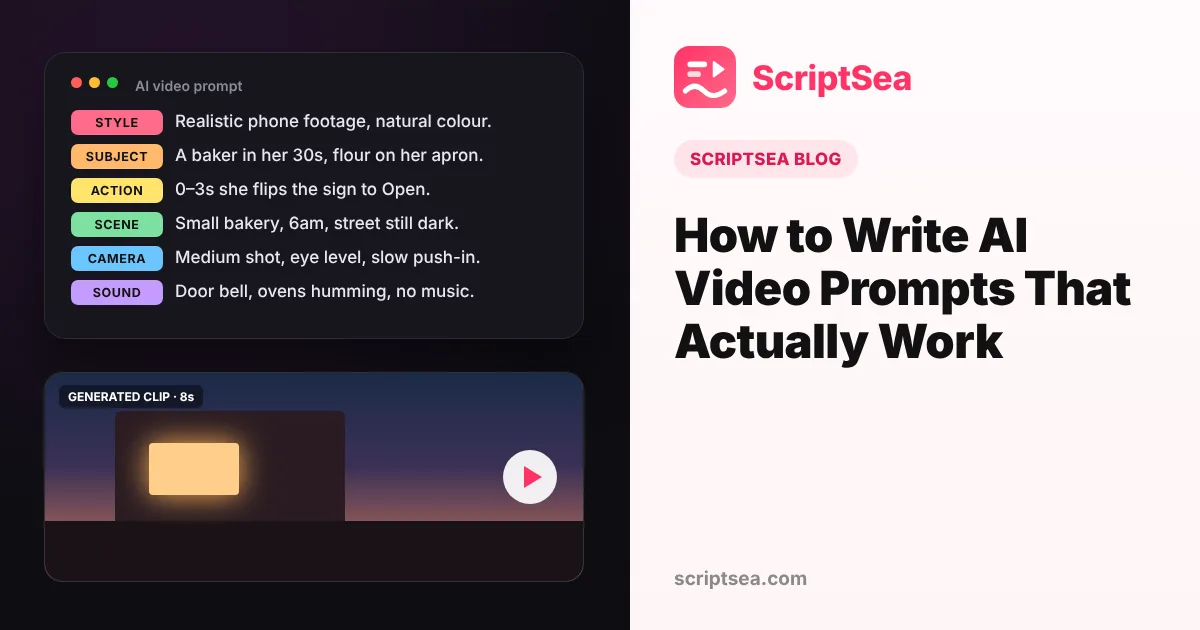
Google's own Veo prompt guide breaks a good prompt into style, framing and camera motion, lighting, character, location, action and sound. Most other models respond to the same building blocks. We fold them into six parts:
| Part | What it answers | Example |
|---|---|---|
| Style | What kind of video is this? | Realistic phone footage, 3D animation, 35mm film |
| Subject | Who or what is on screen? | A man in his 40s, grey beard, navy work jacket |
| Action | What happens, in order? | He unlocks the shop door, flips the sign to Open |
| Scene | Where and when? | A small corner bakery, 6am, street still dark |
| Camera | How is it filmed? | Medium shot, eye level, slow push-in |
| Sound | What do we hear? | Keys jingling, a bell over the door, distant traffic |
You don't have to write them as labels. A paragraph works. But if you check your prompt against these six and one is missing, that's where the model will improvise.
Part by part: what to write
1. Style first
Start with the type of video. It sets the rules for everything after it.
"Realistic smartphone footage" and "3D Pixar-style animation" produce completely different skin, light and motion, even with the same subject. Put it at the start so the model reads the rest through that lens.
2. Subject: describe what you'd see, not what you'd feel
Write age, hair, clothes and one or two details that make the person specific. Skip personality words like "confident" or "friendly". The model can't draw a feeling. It can draw a relaxed smile and shoulders back.
If you use the same character in more than one clip, describe them exactly the same way every time, or better, use a reference image. Changing even one word can give you a different face. We go deeper on that in why your AI characters keep changing faces.
3. Action: one clear sequence
This is where most prompts fall apart. People write five things happening at once, and the model blends them into mush.
Write the action in the order it happens. If the clip is longer than a few seconds, break it into beats with times:
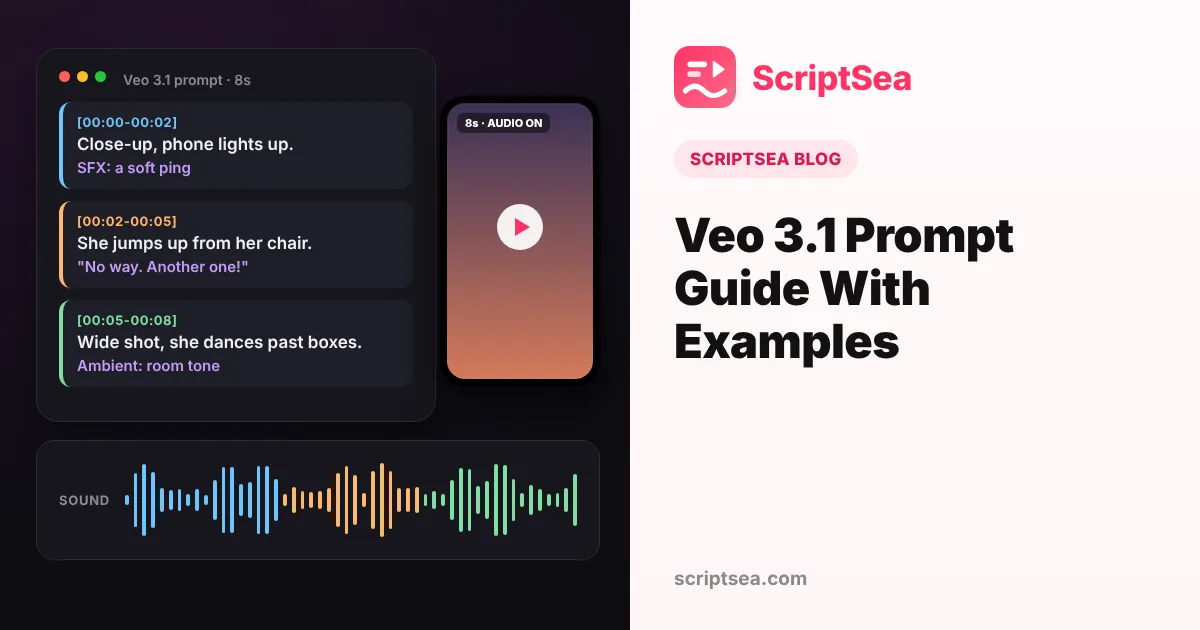
0 to 3s: She picks up the mug with both hands.
3 to 6s: She takes a slow sip and closes her eyes.
6 to 8s: She sets it down and smiles at the window.
Timed beats are one of the biggest upgrades you can make. They tell the model what happens when, so it doesn't rush everything into the first second.
4. Scene: place, time and light
Name the place, the time of day and where the light comes from. "A kitchen" is vague. "A small apartment kitchen at night, one warm lamp over the counter, city lights through the window" gives the model a real room to build.
Light is the part people forget, and it's the part that makes footage look real or fake. One clear light source almost always looks more natural than "bright, well-lit".
5. Camera: shot size, angle, movement
Use the simple words a film crew would use:
- Shot size: close-up, medium shot, wide shot
- Angle: eye level, low angle, high angle, over the shoulder
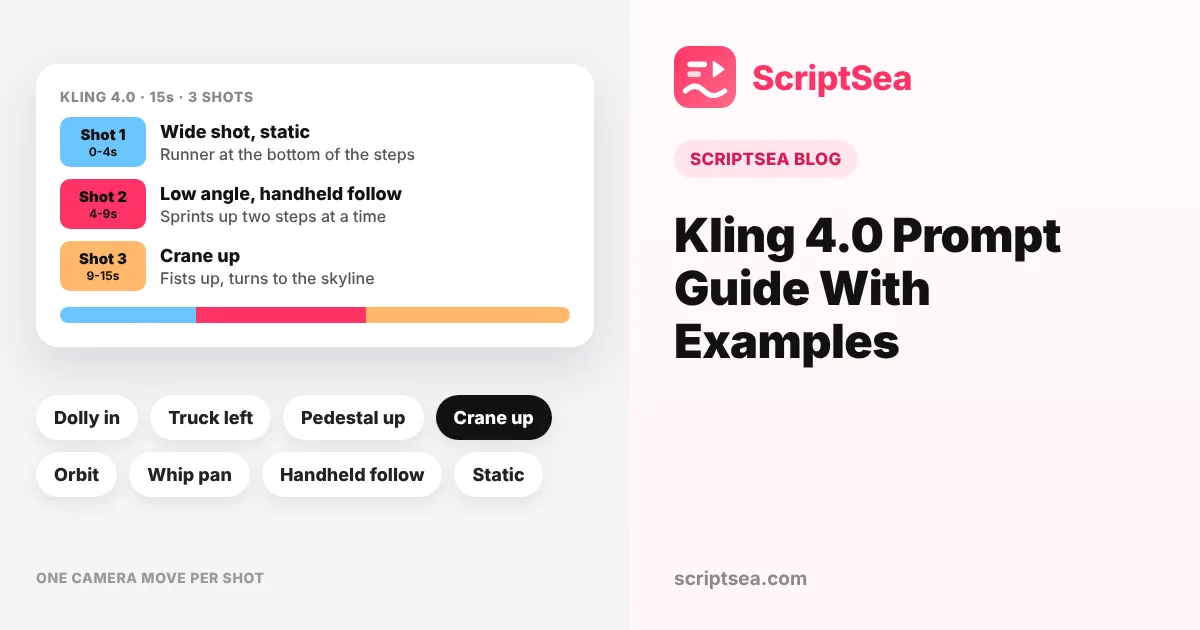
- Movement: static, slow push-in, pan left, handheld, tracking shot
Pick one movement per shot. "Slow push-in while orbiting and tilting up" usually comes out wobbly. If you want a static shot, say so. Models love to add drift if you don't.
6. Sound: say it out loud
Models like Veo and Sora can generate audio with the video. If you don't describe it, you get whatever the model assumes, often generic music.
Write a separate line for sound. Name the specific noises, and say if you don't want music. If someone speaks, put the exact words in quotes and say who says them.
Audio: rain on the window, a kettle starting to whistle, no music.
Before and after: three real examples
Example 1: product shot
Before: "A perfume bottle, luxury, cinematic."
After: "Realistic product footage. A square glass perfume bottle with a gold cap stands on a slab of wet black stone. Thin mist drifts across the surface from the left. A single soft light from above makes the glass glow amber. Close-up, eye level, very slow push-in toward the bottle. Water drops slide down the stone. Audio: soft dripping water, a low hum, no music."
The second version tells the model the material, the surface, the light, the motion and the sound. There's almost nothing left to guess.
Example 2: talking person
Before: "A guy talking to the camera about his business."
After: "Realistic smartphone footage, natural colour. A man in his late 20s with short curly hair and a plain white t-shirt sits at a wooden desk in a small home office, a plant and a shelf of books behind him. He looks straight into the lens and says: 'I almost quit in month two. Here's what changed.' He leans forward slightly on the last line. Medium close-up, eye level, static. Audio: his voice only, quiet room tone, no music."
Notice the exact line in quotes and the single small gesture. Models handle one clear movement far better than "uses lots of hand gestures".
Example 3: animated scene
Before: "A cute fox in a forest, Pixar."
After: "3D Pixar-style animation. A small red fox with oversized amber eyes and a white-tipped tail tiptoes across a mossy log in a misty pine forest at sunrise. 0 to 3s: the fox sniffs the air. 3 to 6s: a leaf lands on its nose and it freezes, cross-eyed. 6 to 8s: it sneezes and tumbles off the log into soft ferns. Wide shot, low angle, static. Soft golden light through the trees. Audio: birdsong, a tiny sneeze, a soft thump, no music."
Three beats, one joke, one camera. That's a clip that actually lands.
Does each AI video model need a different prompt?
The six parts work everywhere. What changes is the detail.
- Clip length: models make clips of different lengths. Plan your beats to fit the length you're generating, so there's no dead time at the end.
- Audio: some models make sound with the video and some don't. If yours doesn't, skip the audio line and add sound in the edit.
- Negative prompts: some tools have a separate box for things you don't want, like "text, watermark, extra fingers". If there's no box, write the important ones at the end of your prompt in plain words.
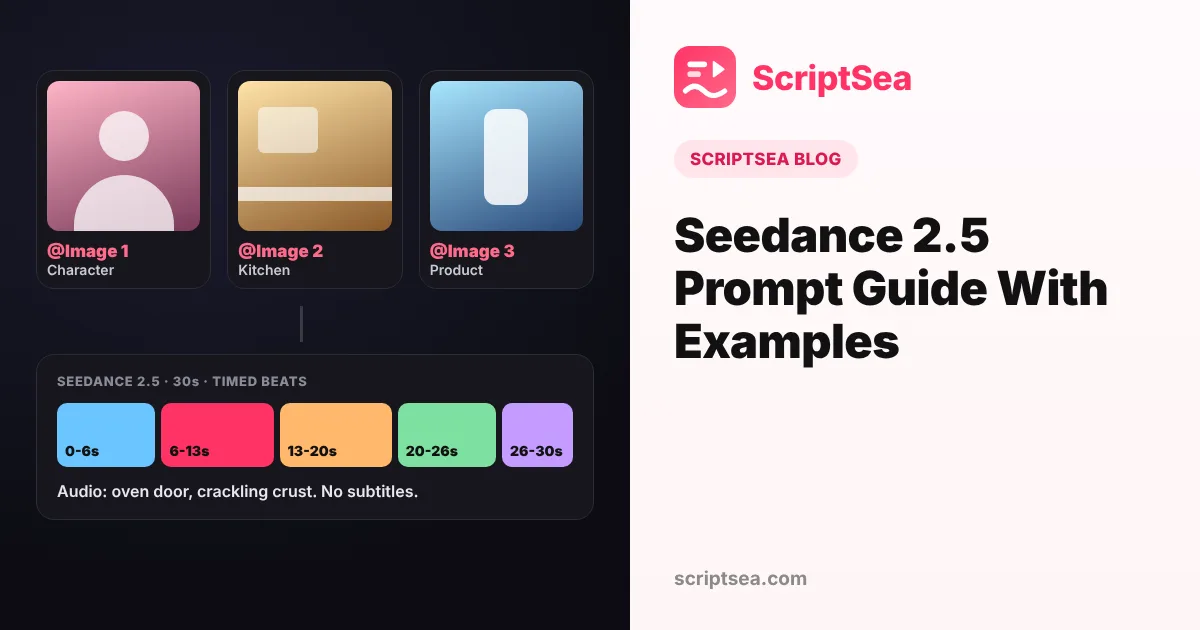
- Reference images: if the tool lets you attach a character or scene image, let the image carry the look and keep the text focused on action and camera.
If you want a ready prompt shaped for one model, we have free generators for Veo, Kling, Seedance and Sora.
Common mistakes that ruin AI video clips
- Too many actions. One clip, one main thing happening. Split the rest into more clips.
- Feelings instead of visuals. "Sad" is weak. "Eyes down, slow breath, hands still in her lap" is strong.
- Two camera moves at once. Pick one.
- No light direction. This is the fastest way to get that fake, flat AI look.
- Forgetting to say "no text". Many models add random captions or signs. Say no on-screen text if you don't want it.
- Changing the character description between clips. Copy it word for word, every time.
Turn a script into prompts
If you're making a full video, not just one clip, the hard part is splitting your script into scenes and writing a prompt for each one that matches the words being said.
Our free Script to AI Video Prompts tool does that split for you. Paste your script and you get scene-by-scene prompts, timed to the lines. If you already have a prompt that's not working, run it through the free Video Prompt Enhancer to fill the gaps.
Try ScriptSea free
Want the script and the prompts done together? ScriptSea writes a hook-first script, then turns every scene into a ready AI video prompt for the model you use. Try ScriptSea free. You get 3 free scripts, no card needed.