Kling is very good at motion. Ask it for a dancer, a car drift or a product spinning in mid-air and it usually delivers. But it's also literal. Give it a vague action and you get vague, floaty movement. Give it three camera moves at once and it tries to do all three.
So the best Kling prompts read less like a description of a picture and more like directions to a camera crew: who moves, how, in what order, and what the camera does while it happens.
This guide shows you how to write prompts for Kling 4.0, with a simple structure, the camera words that work, multi-shot prompts, dialogue and full examples.
What's new in Kling 4.0
Kling 4.0 from Kuaishou rolled out in October 2026. The changes that matter for prompting:
- Up to 30 seconds in one generation. Kling 4.0 Flash, the faster version, goes up to 20 seconds at 720p.
- Up to 4K resolution on the full model.
- Stereo audio and better lip-sync, with speech in many languages, including English, Spanish, Portuguese, French, German, Hindi, Japanese, Korean and Chinese, plus accents like British, American and Indian English.
- Up to 10 keyframe images to pin down key moments, like a pose or a scene change.
- Omni Reference, which accepts up to 15 references in one generation: images, video clips and saved characters or objects (Kling calls these elements).
- Long prompts, up to 8,000 tokens. Kling also expands short prompts on its own, but you get more control when you write the details yourself.
- Video editing, so you can change one thing, like the expression or the camera, without regenerating everything.
Longer clips change how you write. A 30-second Kling clip can hold a whole mini story, which means your prompt needs a clear order of events.
A simple Kling prompt structure
Write your prompt in this order:
- Subject. Who or what, with a few specific details.
- Action. What they do, in the order it happens.
- Scene. Where, when and the light.
- Camera. Shot size and one movement.
- Style. The look you want.
- Audio. Dialogue, sound effects, background noise.
A young chef in a white jacket and black cap tosses vegetables in a hot wok, flames leap up, then she catches the vegetables and plates them in one smooth motion. A busy restaurant kitchen at night, steel counters, warm overhead lights. Medium shot, slow dolly in. Realistic, cinematic look. Audio: sizzling oil, the clang of the wok, kitchen noise in the background.
Subject and motion come first because that's what Kling is best at. Lead with the action and the camera supports it.
Write motion in order, like a choreographer
This is the single biggest upgrade to most Kling prompts. Instead of naming the action, describe how it happens, step by step.
Weak: "A man celebrates."
Better: "A man reads the message on his phone, freezes for a second, then throws both arms in the air, jumps once and spins around to face the camera, laughing."
The second version gives Kling a sequence of clear body movements. That's what produces believable motion instead of a generic wave.
A few rules for motion:
- Use strong, physical verbs. Grabs, slams, leans, spins, stumbles, flicks. Avoid soft ones like "moves" or "does".
- Name the body part. "Lifts her chin", "taps two fingers on the table", "shifts his weight to his back foot".
- Use "then" for order. It tells Kling what comes first.
- Match the motion to the time. In 5 seconds, one or two actions. In 15 seconds, a short sequence. In 30, a small story with a beginning, middle and end.
Camera words that work in Kling
Precise camera words get precise results. These are the ones worth knowing:
| Camera move | What it does |
|---|---|
| Static | The camera doesn't move. All motion comes from the subject |
| Dolly in / dolly out | Camera moves toward or away from the subject |
| Truck left / right | Camera slides sideways, alongside the action |
| Pedestal up / down | Camera rises or lowers straight up and down |
| Crane up / down | Camera sweeps up or down, often to reveal a scene |
| Orbit | Camera circles around the subject |
| Pan / tilt | Camera turns left and right, or up and down, from one spot |
| Whip pan | A fast pan that blurs, good for energetic transitions |
| Handheld follow | Camera follows the subject with a slight natural shake |
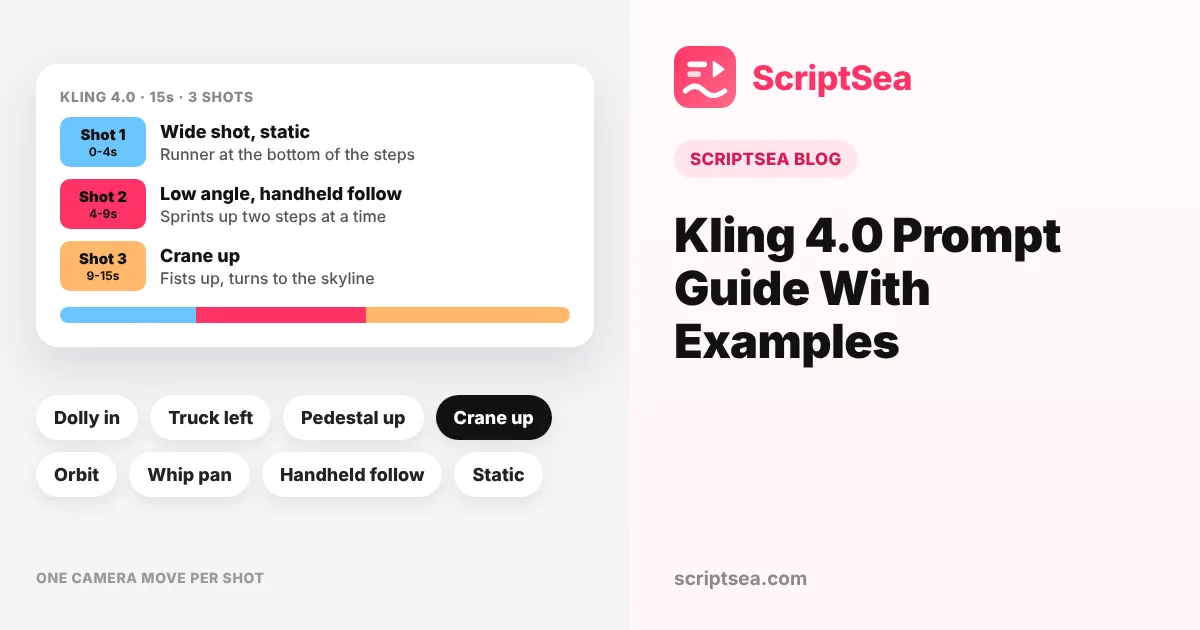
One camera move per shot. If you want the camera to orbit and then crane up, make those two separate shots. Asking for both at once is a common reason for jittery, warped footage.
Pair the camera with a shot size too: wide shot, medium shot, close-up, extreme close-up, low angle or over the shoulder.
Multi-shot prompts for longer clips
With up to 30 seconds per clip, you'll often want several shots in one generation. Label each shot with a time range and describe exactly what changes at each cut:
Shot 1 (0-4s): Wide shot, static. A runner in a red jacket stands at the bottom of a long flight of stone steps at dawn, breath visible in the cold air.
Shot 2 (4-9s): Low angle, handheld follow. She sprints up the steps two at a time, arms pumping.
Shot 3 (9-15s): Crane up. She reaches the top, raises both fists and turns to look over the city skyline as the sun rises behind her.
Audio: heavy breathing, footsteps on stone, wind at the top. No music.
What makes this work:
- Each shot has one camera move and one main action.
- The character's key details stay the same in every shot (red jacket), so Kling keeps her consistent.
- Times are continuous and add up to the clip length.
If a moment has to look exactly right, like a specific pose at the end, that's what keyframe images are for. Generate or pick the image you want and add it as a keyframe instead of trying to describe it perfectly in words.
Dialogue and sound for lip-sync
Kling 4.0 generates audio with the video and syncs speech to the character's mouth. For the best lip-sync:
- Put the exact words in quotes, after the speaker: The woman says, "This changed my whole morning routine."
- Describe the voice: "in a calm, low voice", "excited and fast", "with a British accent".
- Keep it short. At a natural pace, people say about 2 to 3 words per second. A 10-second clip fits roughly 20 to 25 words.
- Name the speaker when two people talk, using details that tell them apart.
- List the sounds you want in an audio line, and say "no music" if you'll add your own later.
Use references for consistent characters and products
Text alone can't keep the same face across many clips. For any recurring person or product:
- Save your character or product as an element and attach it to each generation.
- Use reference images for the location and style, so every clip looks like part of the same video.
- Use a reference video if you want to copy pacing, a camera move or a performance, then swap in your own character.
When you attach references, keep the prompt text focused on action, camera and sound. Re-describing a face that's already in the reference can pull the result away from it. Our guide on AI character consistency goes deeper on this.
Keep negative prompts short
If your Kling interface has a negative prompt box, use it for motion and quality problems only, and keep it short:
morphing, warped hands, extra fingers, jittery motion, flickering, distorted face
A long list of unrelated words dilutes it. If something keeps going wrong, the fix is usually in the main prompt: simplify the action or remove a competing camera move.
3 Kling prompt examples you can copy
1. UGC product review (10 seconds, vertical)
Shot 1 (0-5s): Medium close-up, static, like a phone on a tripod. A man in his 30s with a short beard and a navy t-shirt holds up a pair of wireless earbuds to the camera and says, "I've tried five pairs this year. These are the only ones that stay in when I run."
Shot 2 (5-10s): Close-up, slow dolly in. He presses one earbud into his ear, nods and gives a thumbs up.
Bright living room, natural daylight. Realistic phone video look. Audio: his voice, quiet room tone. No music, no subtitles.
2. Product hero shot (5 seconds)
A pair of white sneakers floats and slowly rotates in mid-air, laces lifting slightly, small dust particles drifting around them. Plain light grey studio background, soft light from the left. Close-up, orbit around the shoes. Clean commercial style. Audio: a soft whoosh, light ambient hum.
3. Short story clip (20 seconds)
Shot 1 (0-5s): Wide shot, static. An elderly man sits alone on a park bench in autumn, feeding pigeons from a paper bag.
Shot 2 (5-11s): Medium shot, truck right. A little girl in a yellow raincoat walks up, hesitates, then sits at the far end of the bench.
Shot 3 (11-16s): Close-up, static. He smiles and holds out the bag. She takes a handful of seeds and laughs.
Shot 4 (16-20s): Wide shot, crane up. Pigeons gather around both of them as leaves fall.
Warm, soft afternoon light, gentle film look. Audio: pigeons cooing, leaves rustling, distant city noise. No dialogue.
Common Kling prompt mistakes
- Naming the action instead of describing it. "Dances" is weaker than three specific moves in order.
- Stacking camera moves. One per shot.
- Too much action for the clip length, so everything happens at double speed.
- Changing the character's description between shots or clips.
- Long dialogue that doesn't fit the clip.
- Huge negative prompts instead of fixing the main prompt.
Write Kling prompts in seconds
Our free Kling Prompt Generator writes prompts in this format: subject and motion first, one camera move per shot, labelled shots with times, and a separate audio line. If you're working from a full script, our free Script to AI Video Prompts tool splits it into scenes and writes a prompt for each.
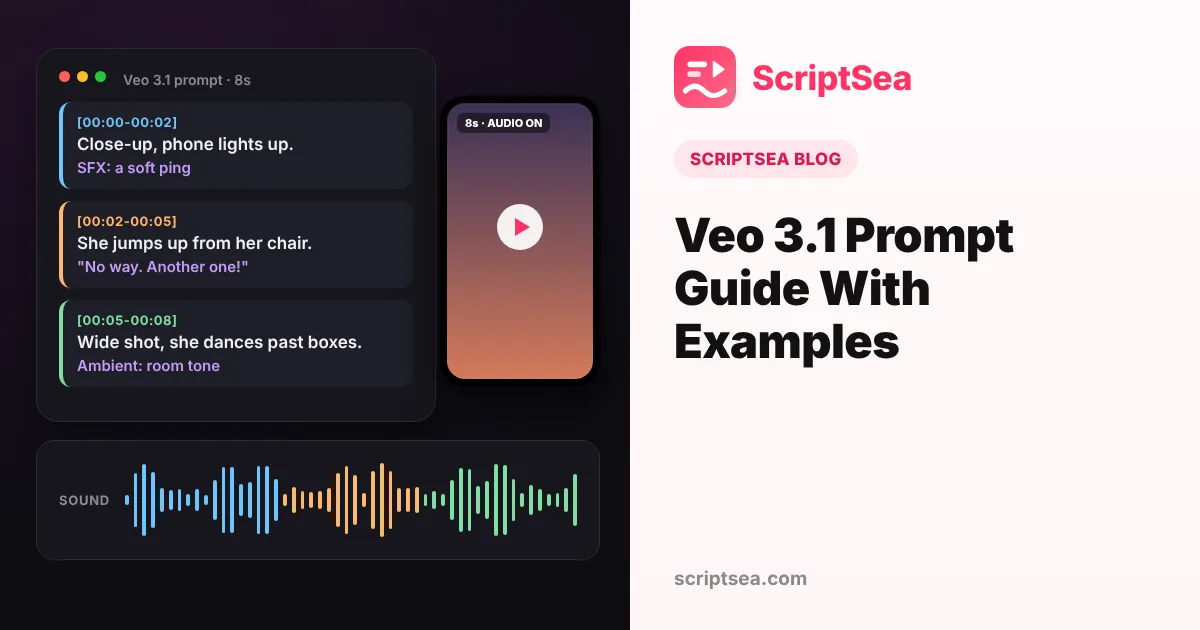
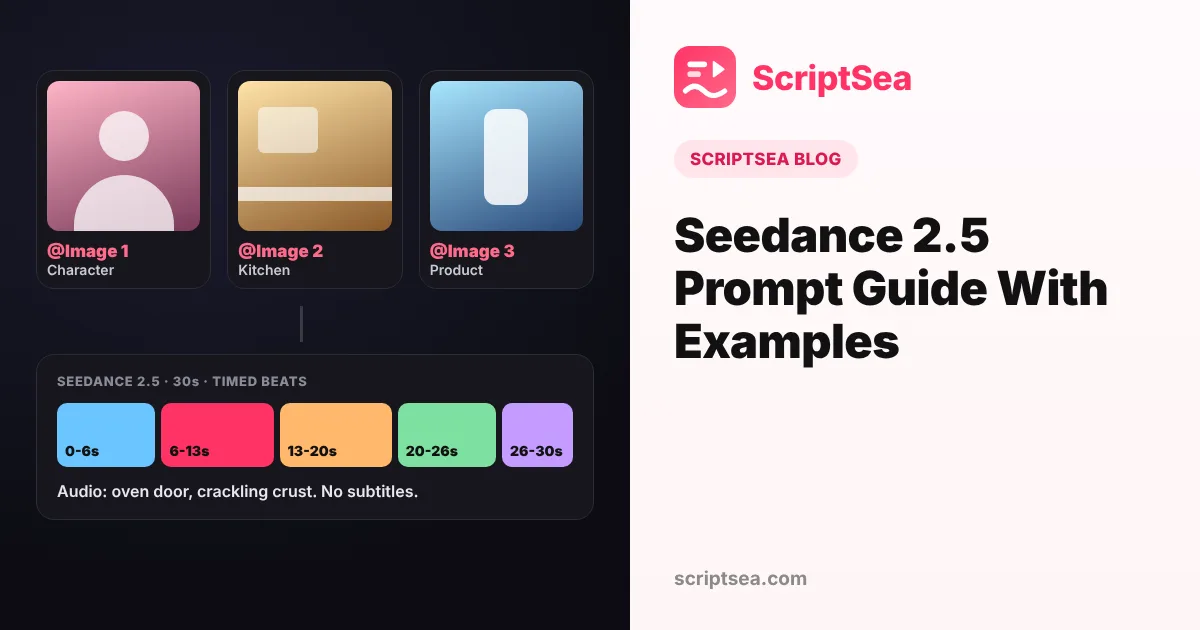
Using other models too? See our Veo 3.1 prompt guide and Seedance prompt guide.
Try ScriptSea free
ScriptSea turns your idea into a full script and scene-by-scene prompts for Kling, Veo, Seedance, Sora and more, timed to your script. Try ScriptSea free. You get 3 free scripts, no card needed.